1
Join the test group
Join the Google Group first so Google Play will let you access the app. If easier, send me your email and I will add you manually.
This app is being built to give kitchens a cleaner way to track carvery efficiency, log plate sales, review weekly performance, forecast meat loads, and export weekly records.
For now, the closed test is locked to Wallacewell Farm only. Treat this as a working playground to see how the app looks, how the flow works, and what features are coming. Your support helps get the app approved on Google Play so wider rollout can happen after that.
This closed test is locked to Wallacewell Farm only. You are not being asked to set up or run your own live site at this stage. The current build is there so you can look through the app, see the direction of travel, and help show Google there is real tester activity and engagement.
The app already includes the structure for self-managed site use, settings, and team access, but that part does not have much value until Google approval is in place and rollout opens up properly.
Tick these off as you go. Your progress stays saved in this browser.
Follow these steps in order so Google Play will let you into the test properly.
Join the Google Group first so Google Play will let you access the app. If easier, send me your email and I will add you manually.
Once you are in the group, install the app from Google Play on your Android phone.
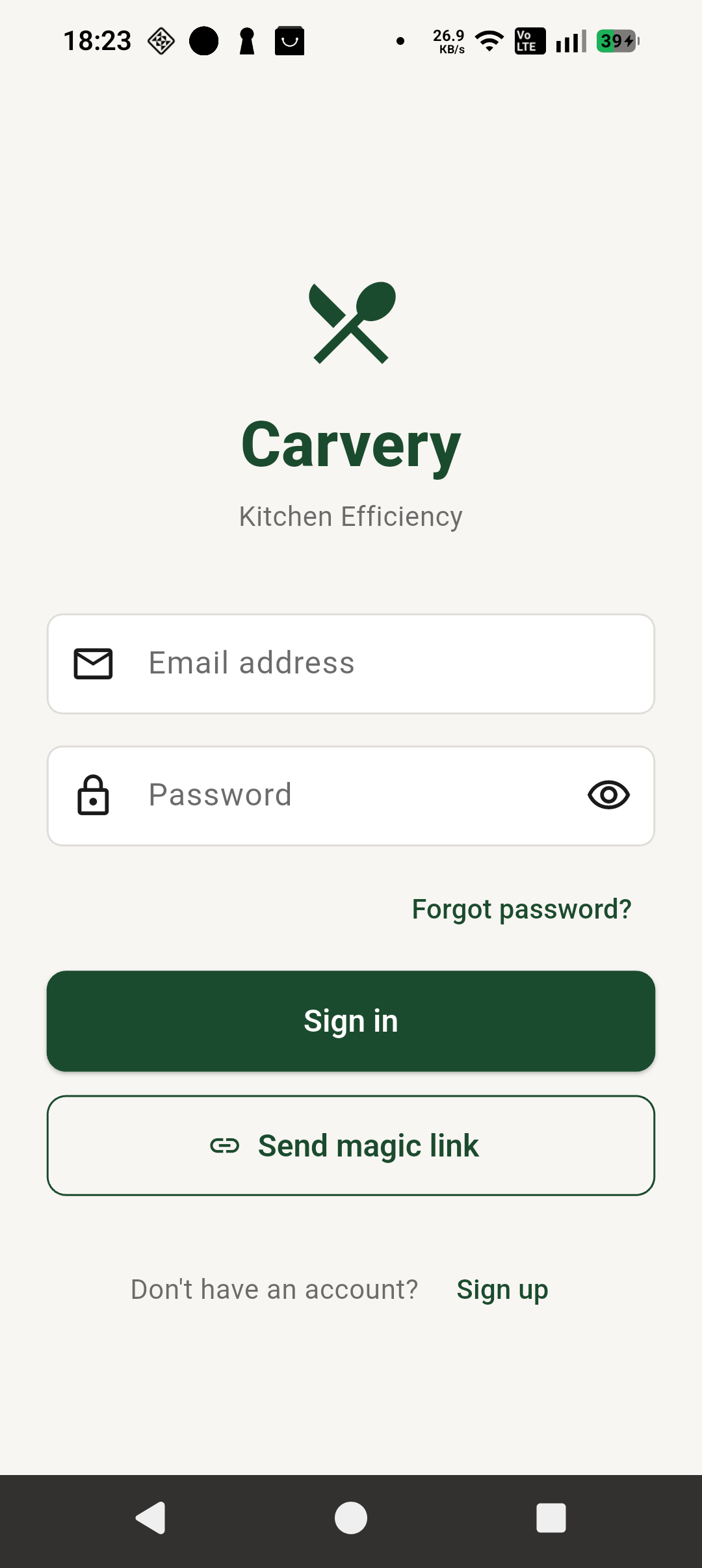
Open the app and sign in. If you do not already have an account, create one in the app first.
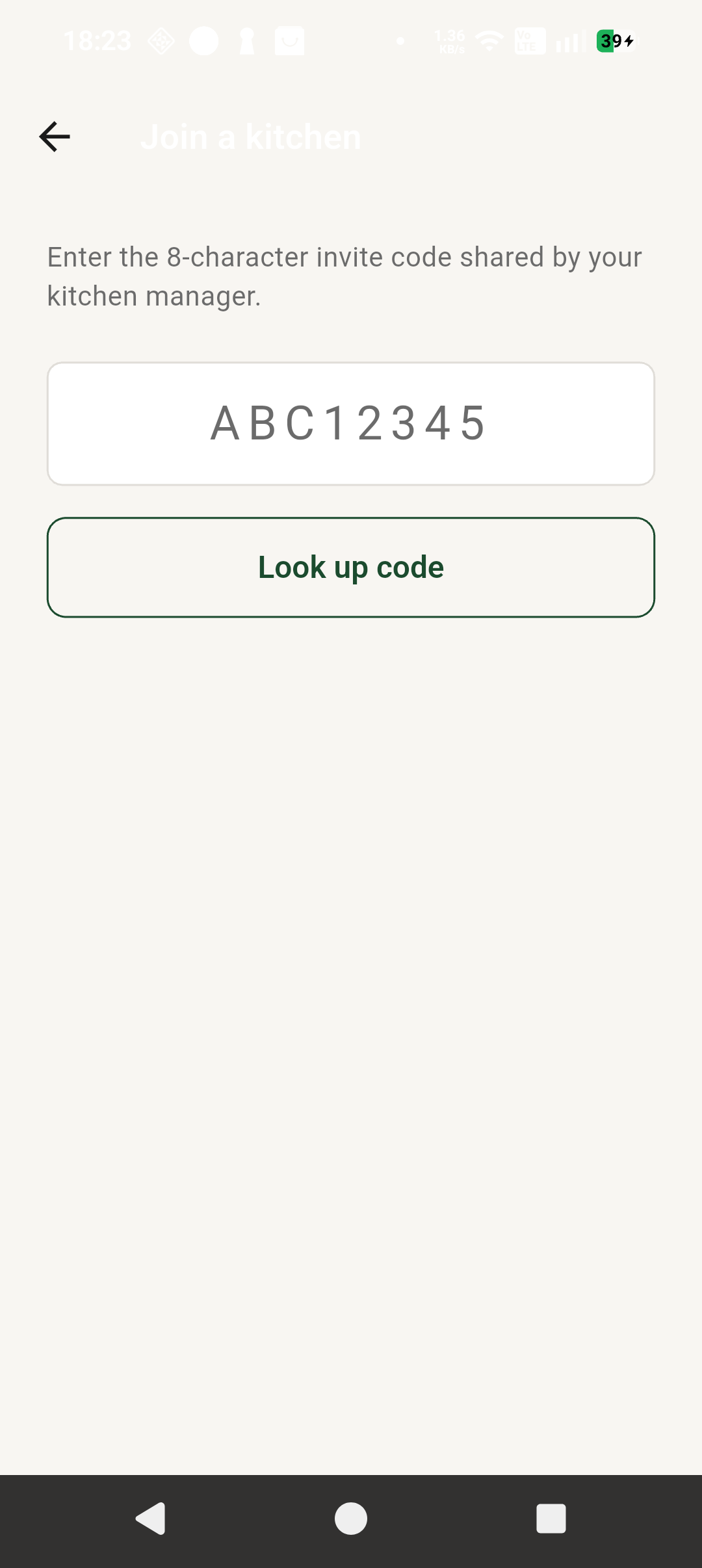
Tap Join Kitchen, enter the invite code below, look up the code, select Wallacewell Farm, then join the kitchen.
You do not need heavy use. Opening the app, checking screens, and using it a few times over the next 14 days is enough to help with approval.
This gives people a clear view of what the app already does and where it is heading.
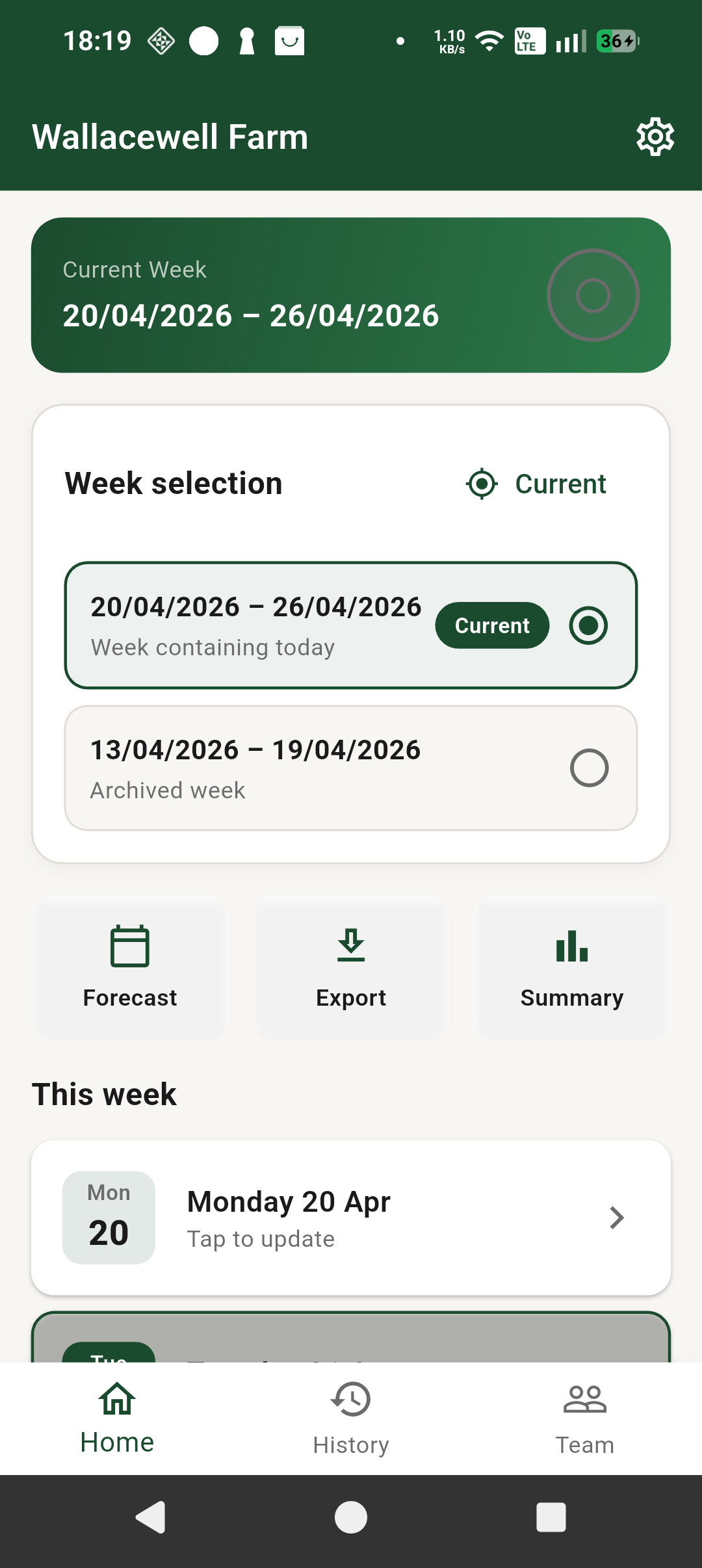
Pick the current week, move between weeks, and jump straight into forecast, export, summary, or daily entry.
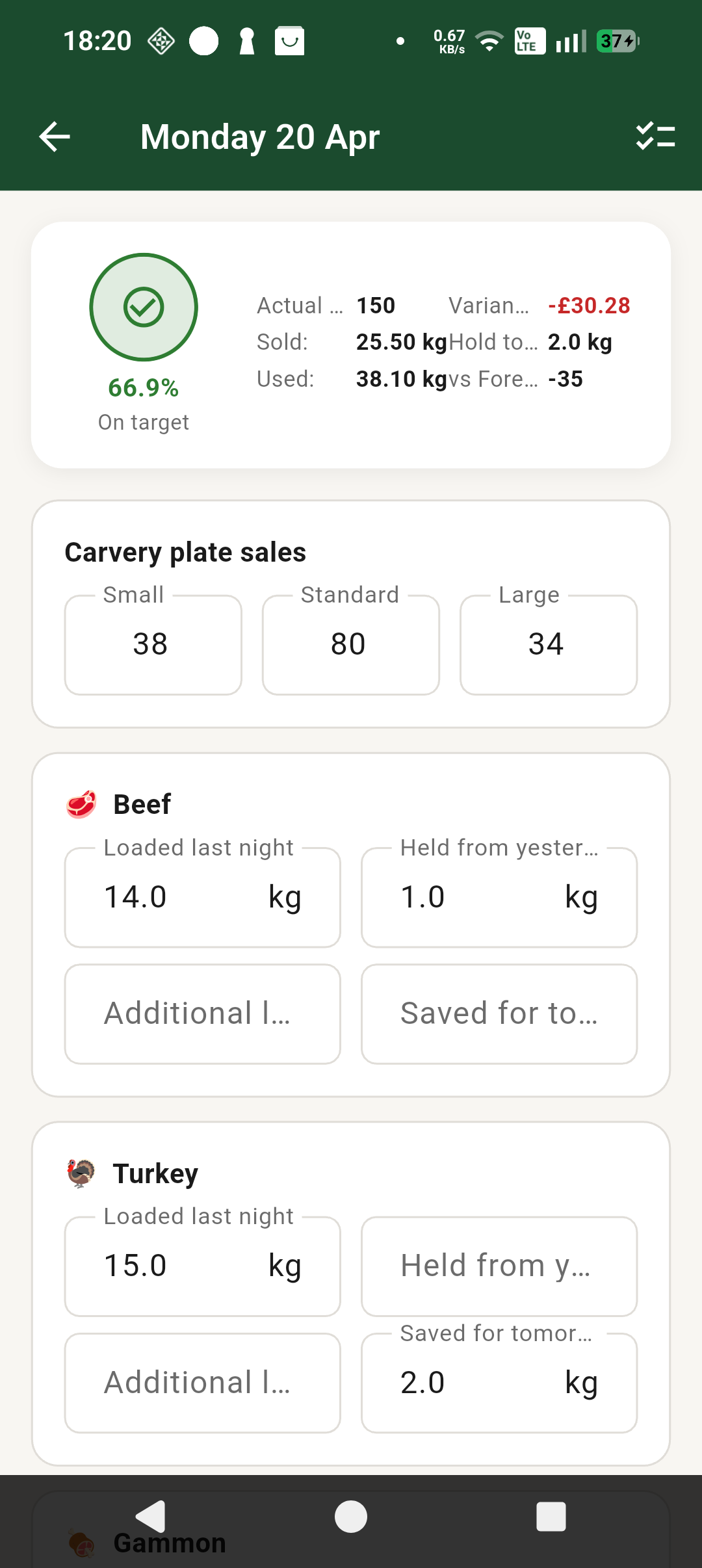
Track plate sales, meat loaded, held stock, and carry-over use in one screen.
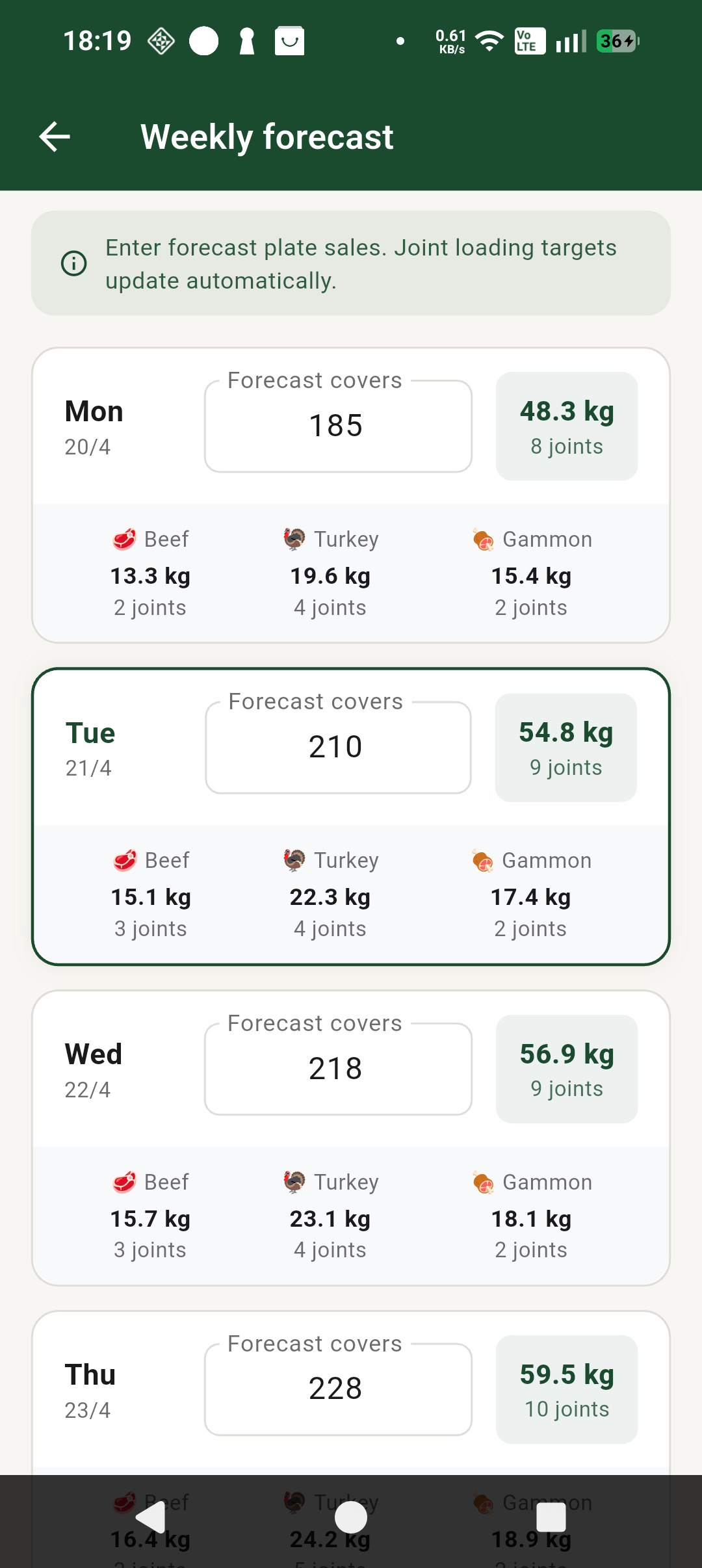
See forecast covers and suggested meat loads by day so prep and loading are easier to plan.
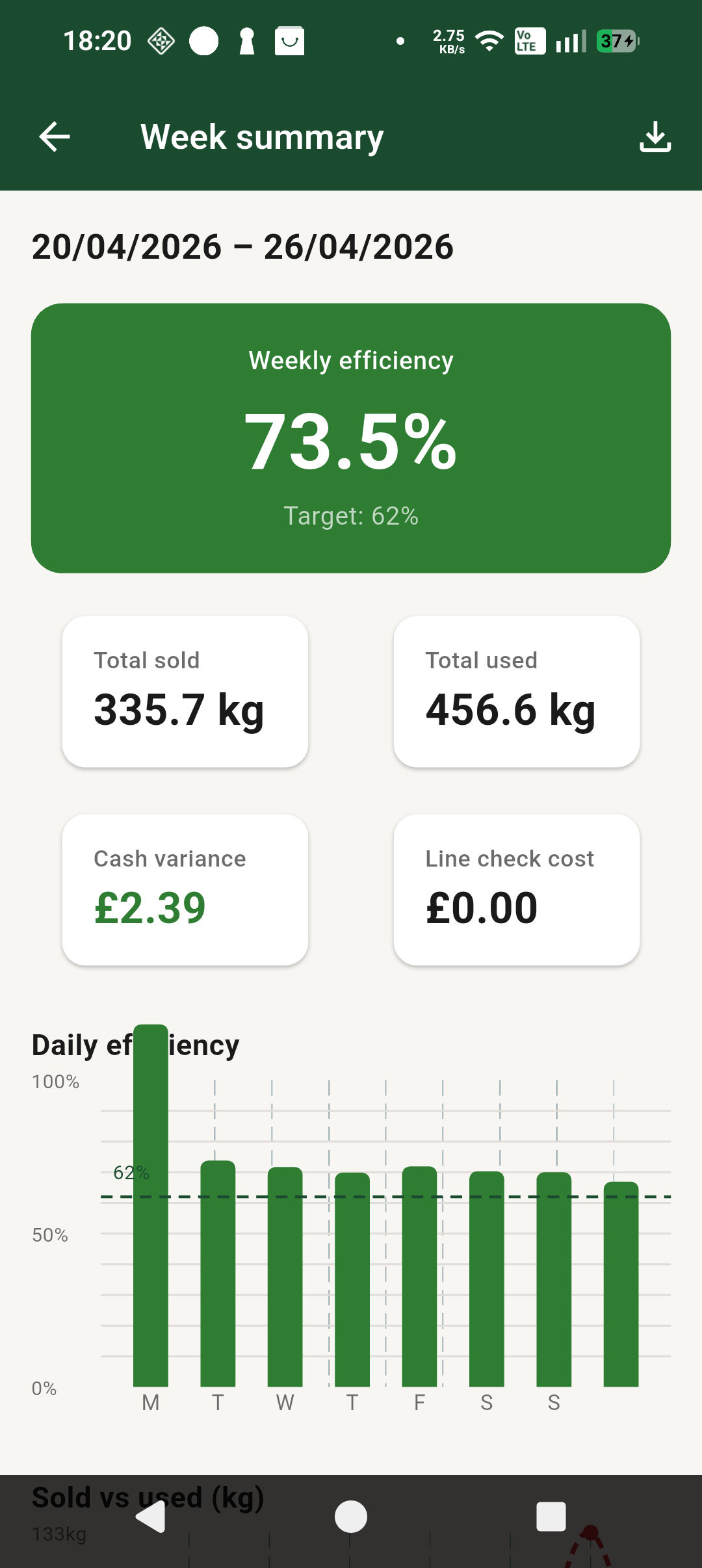
Review weekly efficiency, sold vs used, daily performance, and variance trends in a quick snapshot.
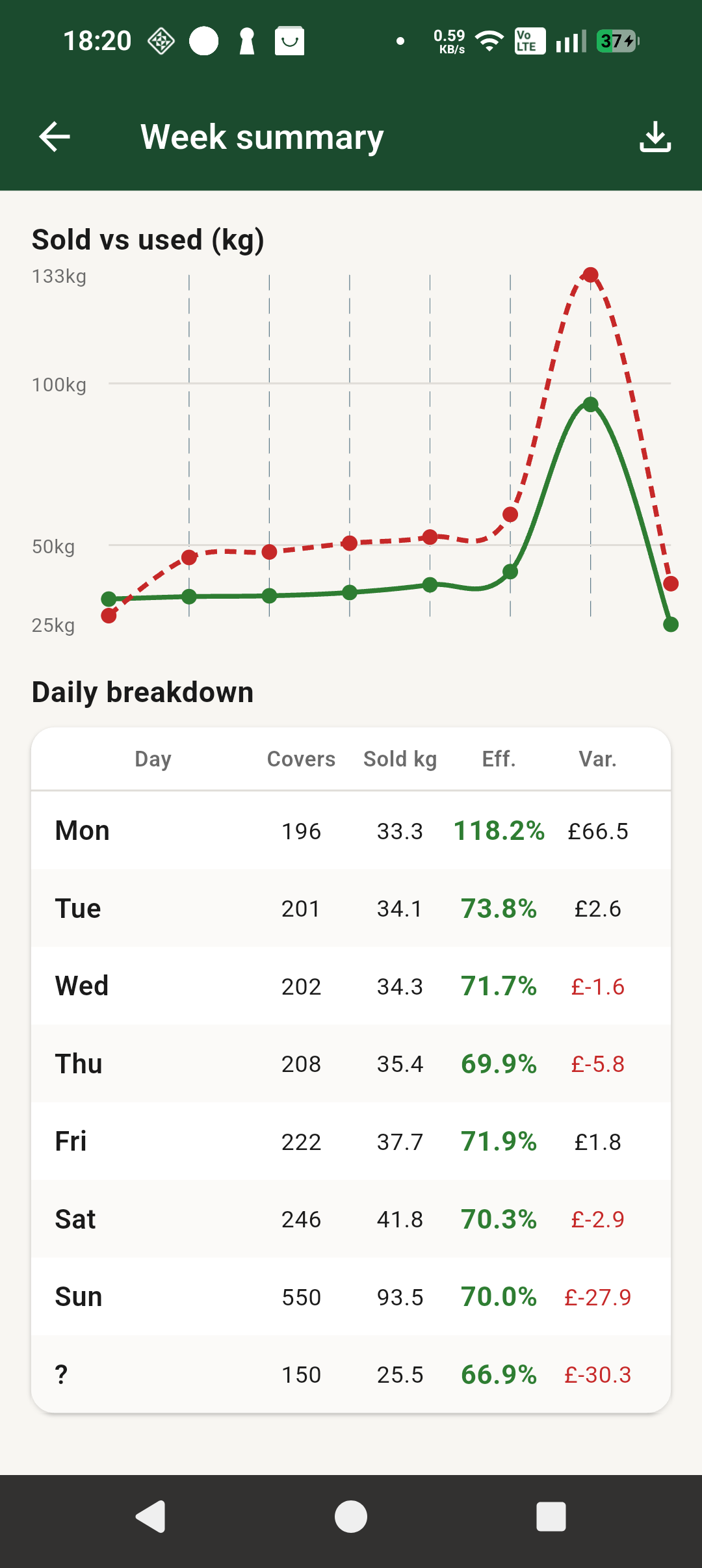
Drill into daily breakdown figures to see where performance held up well and where it dipped.
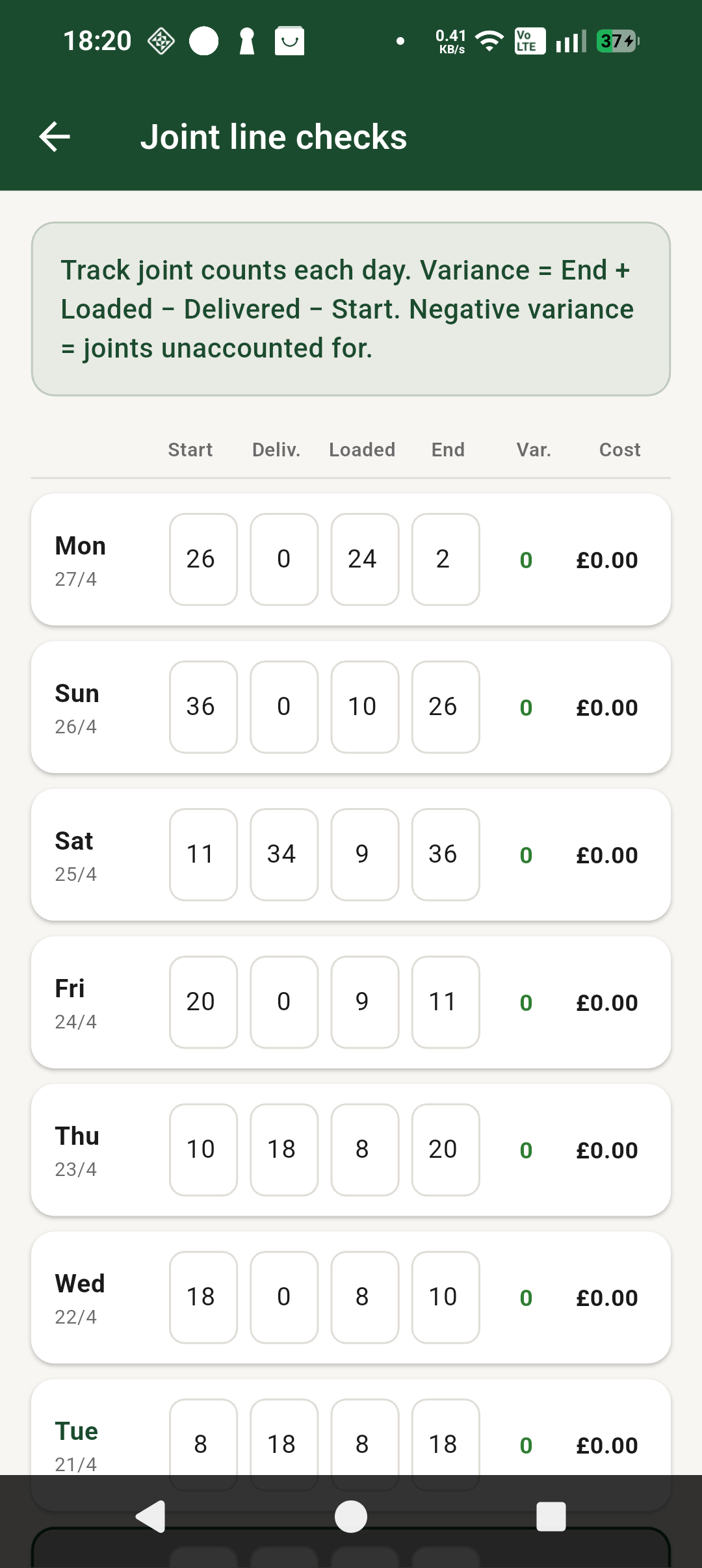
Track joint movements and see where there is unexplained variance.
Generate an export, open it, and share it out from the phone.
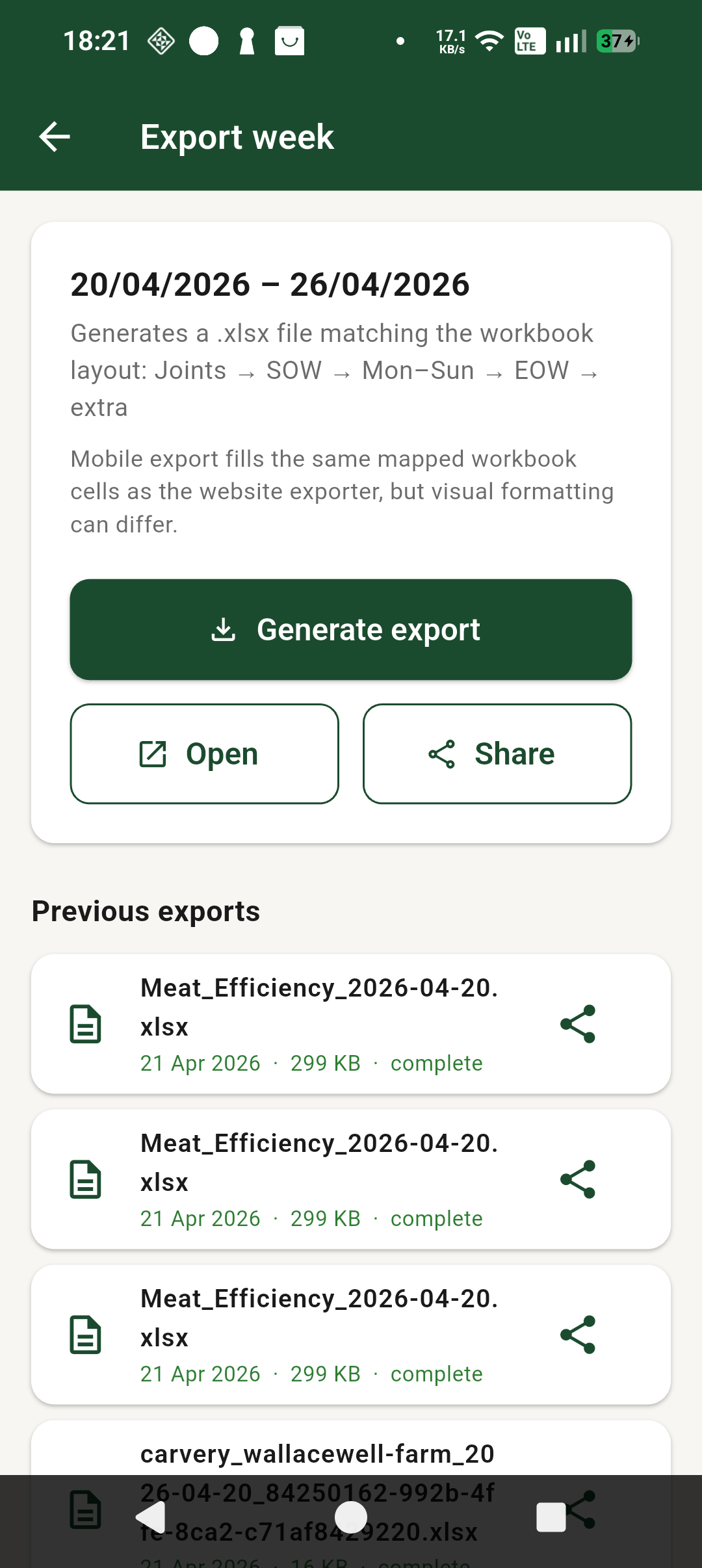
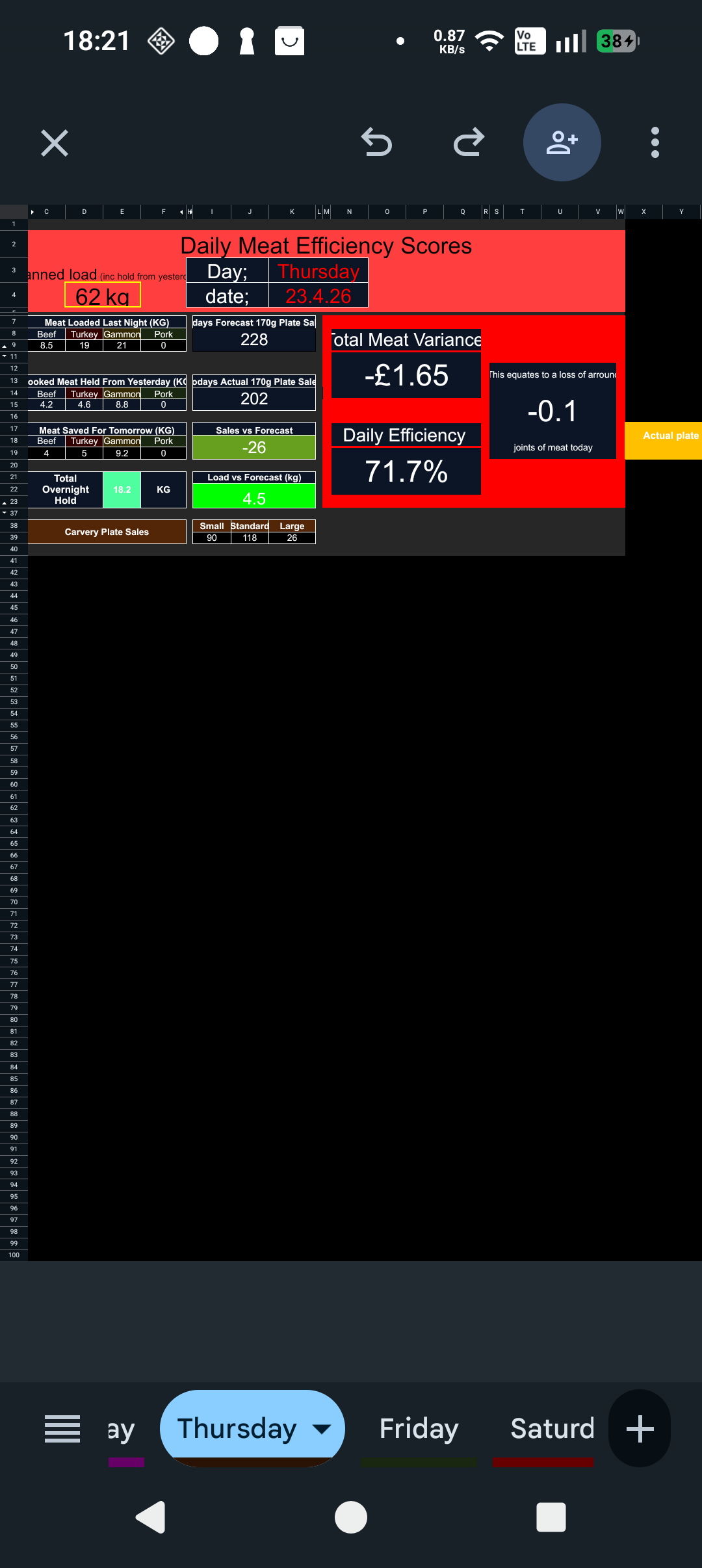
Exports feed into the weekly log layout so the week is easier to review and keep on record.
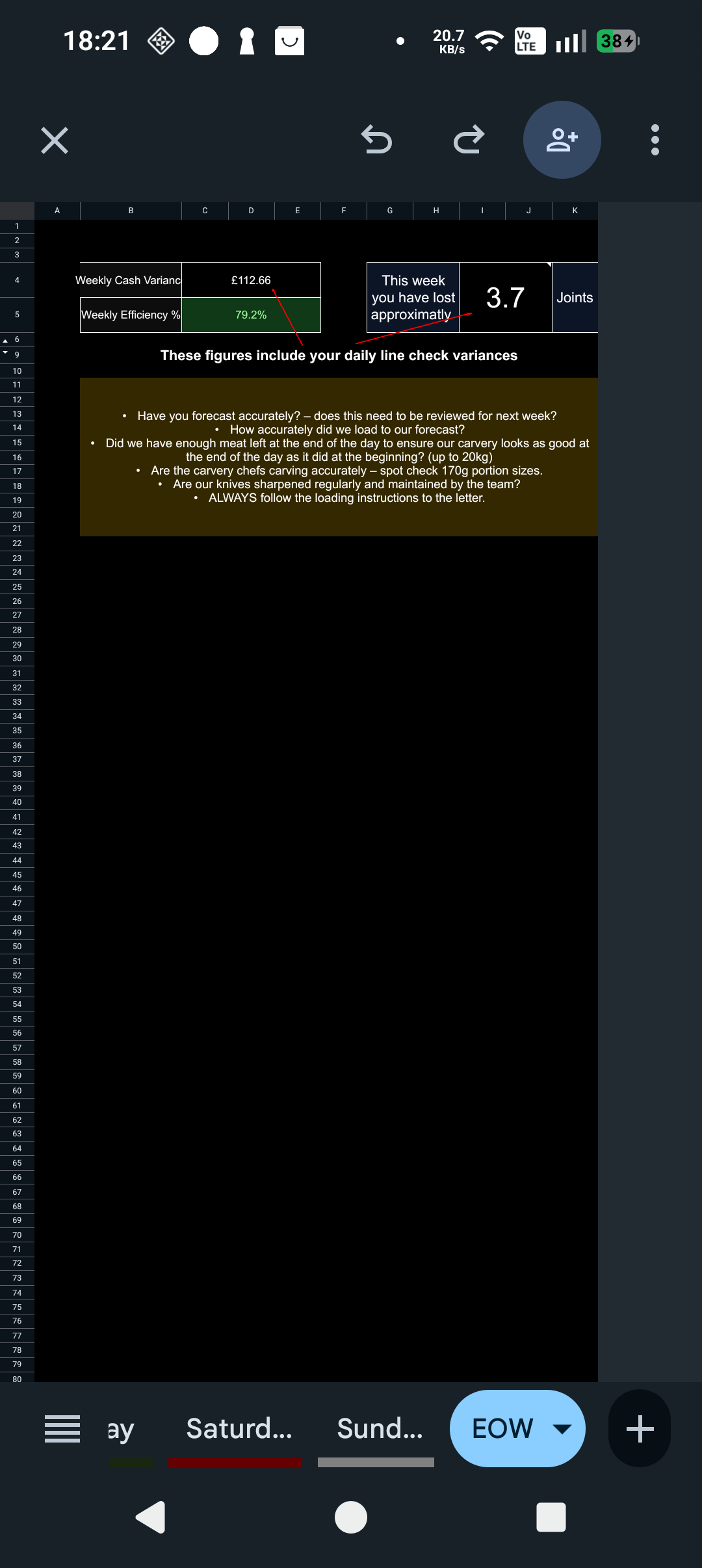
The export flow also supports end-of-week style reporting for a cleaner handover and record of performance.
The app already has the structure for site setup, target settings, yields, cost values, and team control.
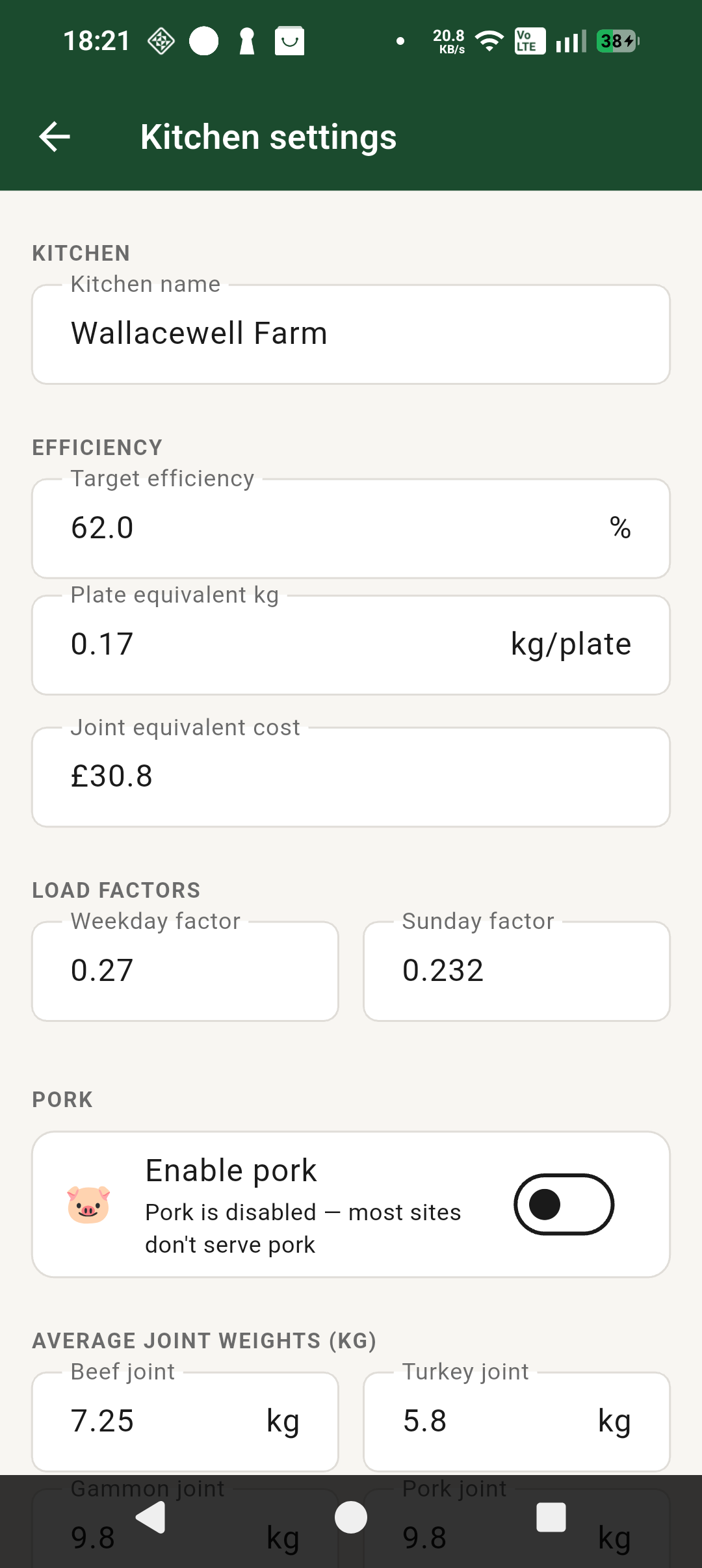
Extra settings are already in place for joint weights, pork use, yields, and meat cost logic.
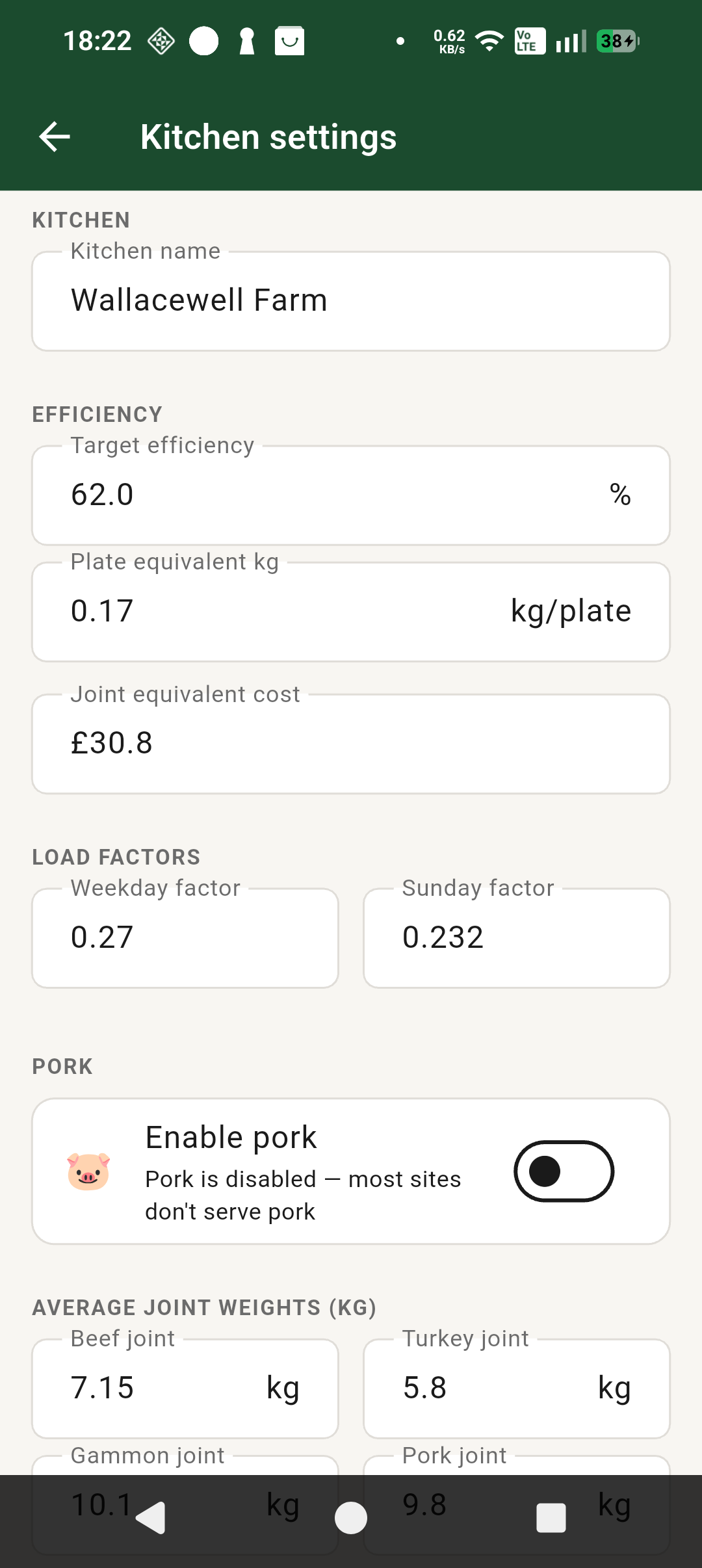
Site-specific setup is being built in, but there is limited value in using this fully until Google approves the app and rollout opens up properly.
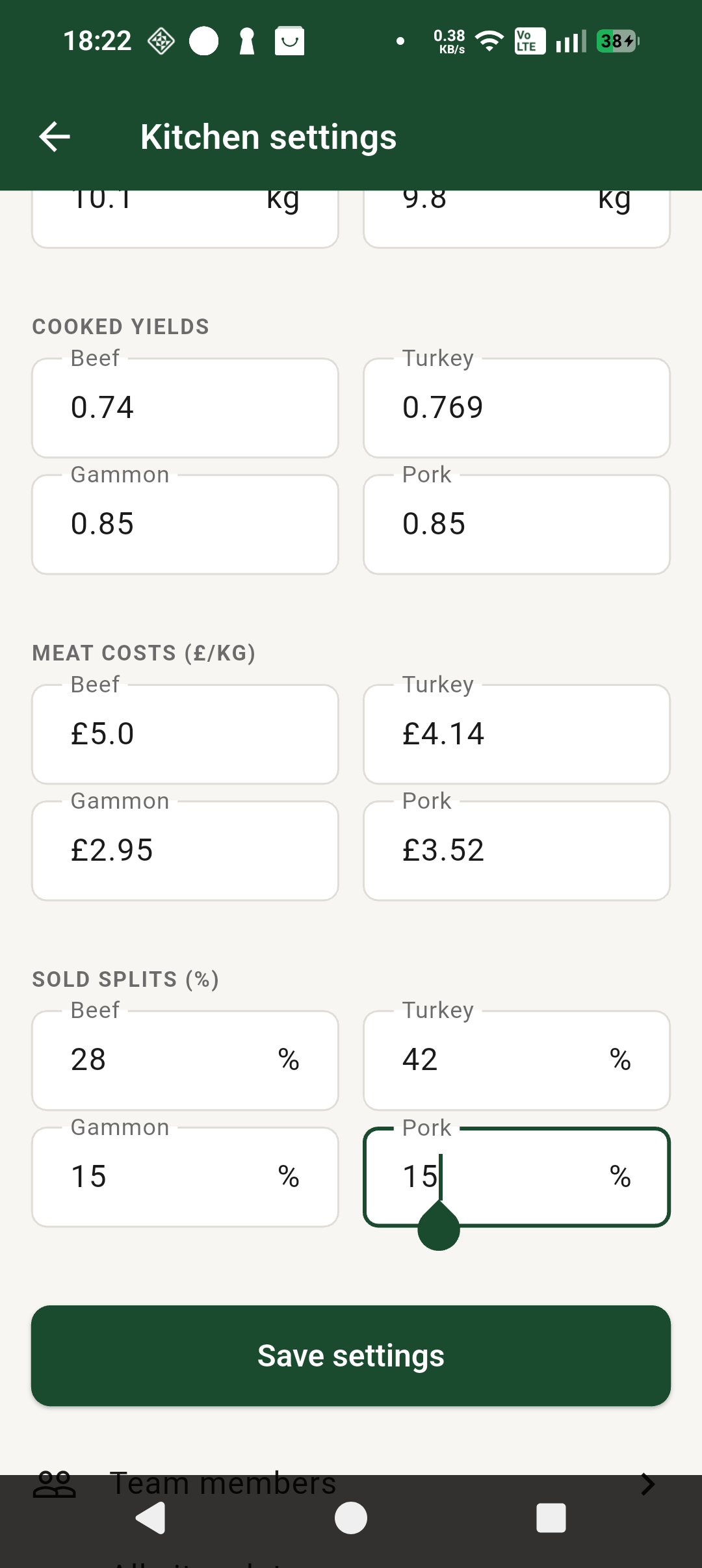
The long-term aim is site-by-site use. These screens show where the rollout is heading once Google approval is in place.
This screen shows where site-specific setup is heading. After approval, sites will be able to manage their own settings and team access.
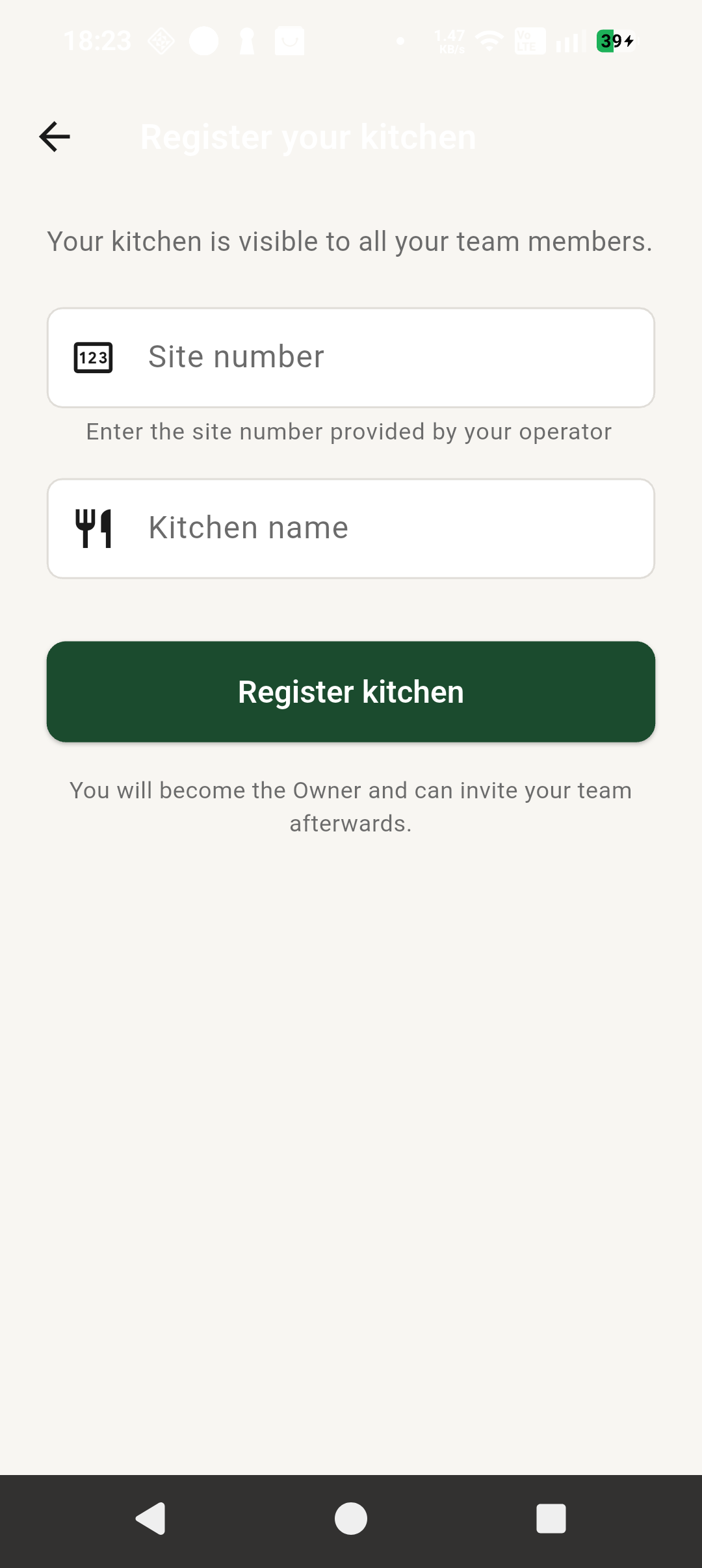
The app already has work in place around finding a site and setting up a local kitchen, but this is not the focus of the test phase.
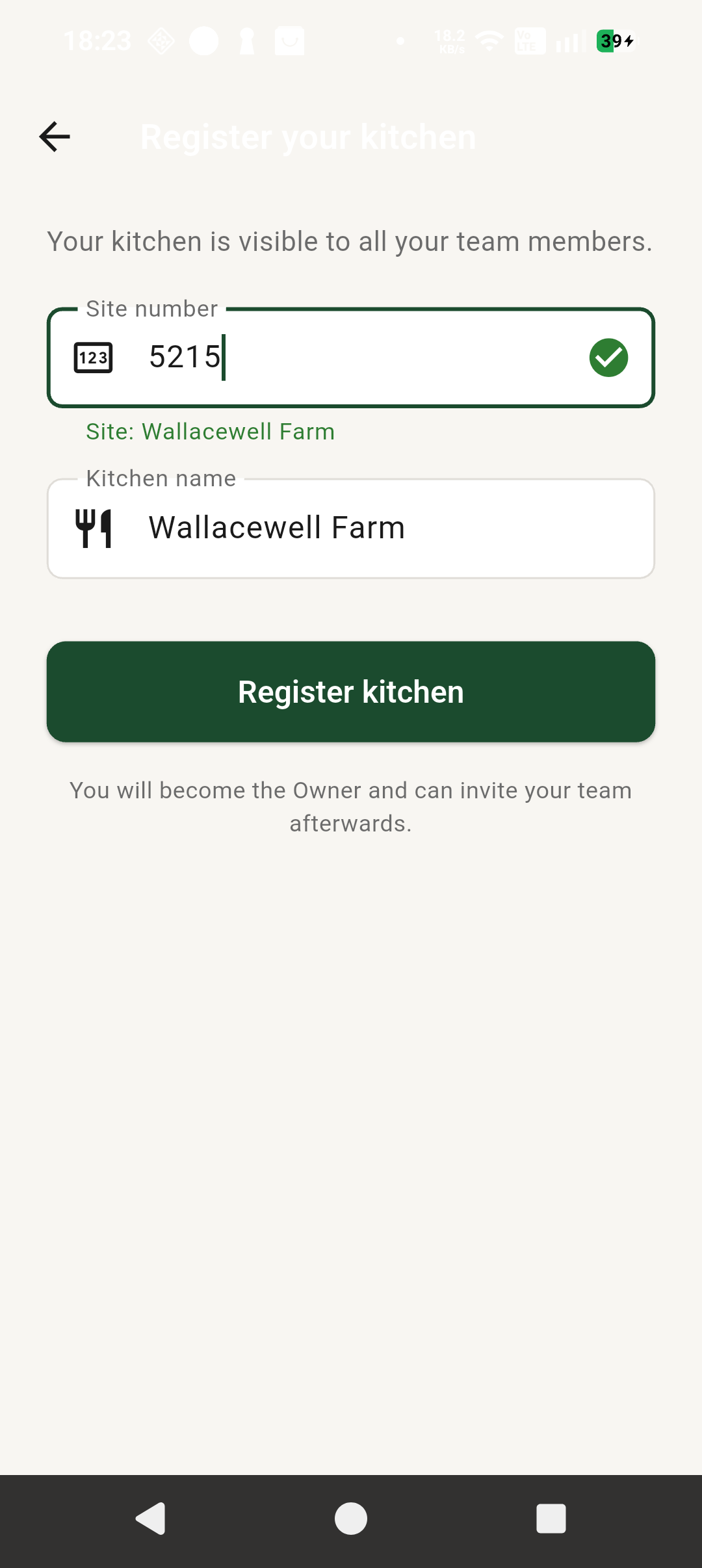
No. Closed testing is locked to Wallacewell Farm only. This stage is there to show how the app works, test the features, and help get Google approval in place.
No. This is a test environment. You will not affect any live site.
No. Light use is enough. Open it, look around, and use it a few times over the next 14 days.
The next stage is wider rollout so each site can have its own self-managed kitchen setup and use the app properly for its own team and records.
Message me directly and I will look into it.
Join the group, install the app, join Wallacewell Farm, and use it lightly over the next 14 days. That support helps get the app approved on the Play Store and moves site rollout closer.